Squadpath puts the entire FPL pre-deadline routine — squad, expected points, predicted lineups,
transfer planning and chip timing — on one phone-first screen. Here’s what it does and who it’s
for.
Podcast breakdown
How_Squadpath_fixes_FPL_data_chaos
The Saturday-morning tab problem
Every FPL manager has the same browser open on a Saturday morning. The official site for your
squad. A fixture planner in the next tab. A price tracker somewhere behind that. A stats site for the
numbers, a lineup predictor for the doubts, and a spreadsheet holding the half-finished plan you
made on Tuesday and have already forgotten the logic of.
Six tools that don’t know about each other. You are the only thing connecting them — and you’re
doing it on a phone, twenty minutes before the deadline, while someone asks you about lunch.
That’s the problem Squadpath is built around. You enter a public FPL team ID — nothing to import,
no account setup, no configuring — and everything you see afterwards is about your squad.
Your squad, and what it’s actually worth this week
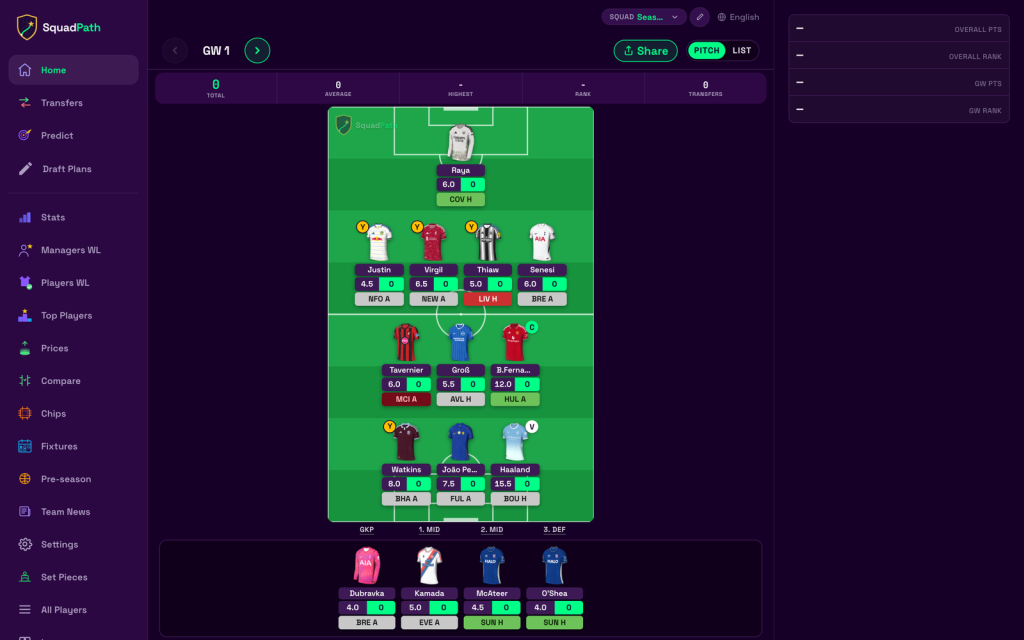
The pitch is drawn keeper-first, the way you already read a team sheet. Points, rank, bank, transfers
made — and every player carrying his expected points for the coming gameweek right there on the
card.
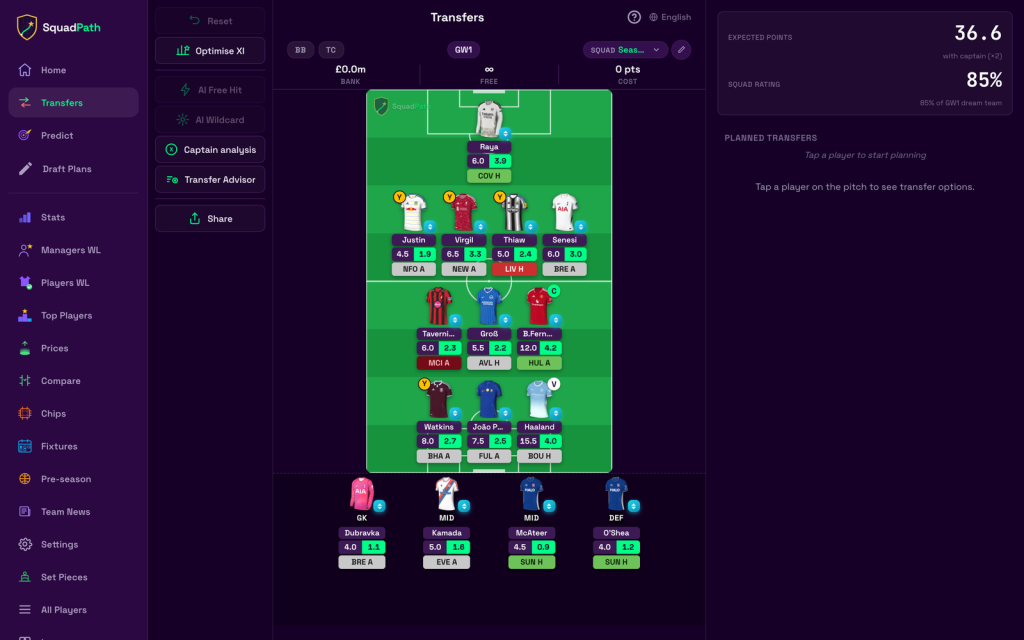
That last part is the shift. You don’t switch to a stats site to find out whether your captain is the right
captain. The number is on the pitch.
A transfer planner that does the arithmetic
Planning across gameweeks, not just this one. Move a player out and you immediately see the cost,
the hit, the expected-points delta, and how your squad rating changes. Set captain and vice, park a
chip on a future gameweek, close the app.
The plan is still there next time. It doesn’t live in a browser tab you closed on Tuesday.
Build a squad from scratch in seconds
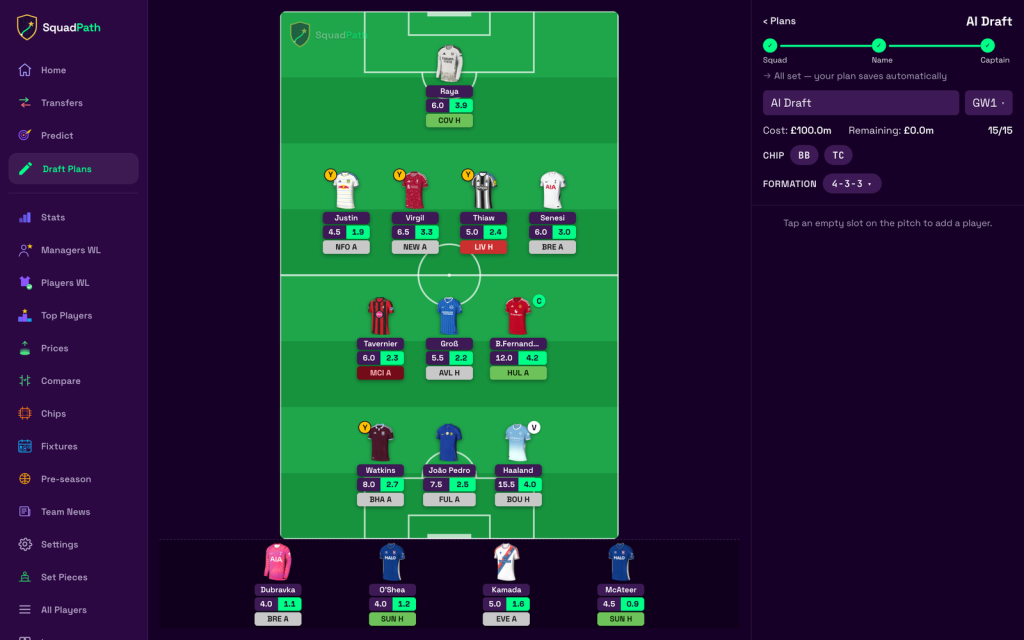
Pre-season, a wildcard, or a rebuild after a bad month: the optimiser fills all 15 places under budget,
respects the club limits, picks the formation and the armband, and hands you something you can
then edit by hand.
It’s a starting point with a number behind it — not a template someone screenshotted on Twitter.
Expected points for every player in the game
Not just the ones you own. The entire pool, every gameweek, from a model trained on historical
match and player data.
What makes it usable is the breakdown. Each projection opens into what drives it: expected goals,
expected assists, defensive contributions, clean-sheet odds, and a confidence level. That’s what
turns “I think Haaland’s the captain” into a call you can actually defend in the mini-league chat.
Predicted lineups, folded into the projections
Expected minutes for every player at every club — so rotation risk is priced into the projection
before you make the transfer, instead of being discovered at 15:00 when he turns up on the bench.
The Saturday-11:30 question — “is he even starting?” — answered on Friday.
Clean sheets and defensive contributions, as probabilities
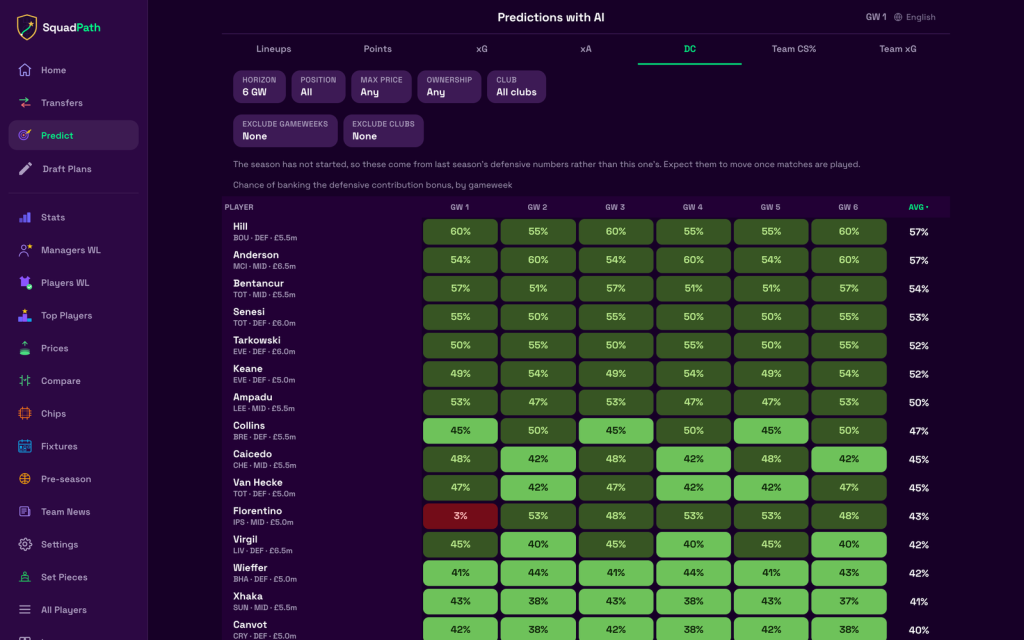
Which defence keeps it out this week, ranked. And, per player per gameweek, the chance of
banking the defensive contribution bonus — the stat most of the community is eyeballing and very
few are actually modelling.
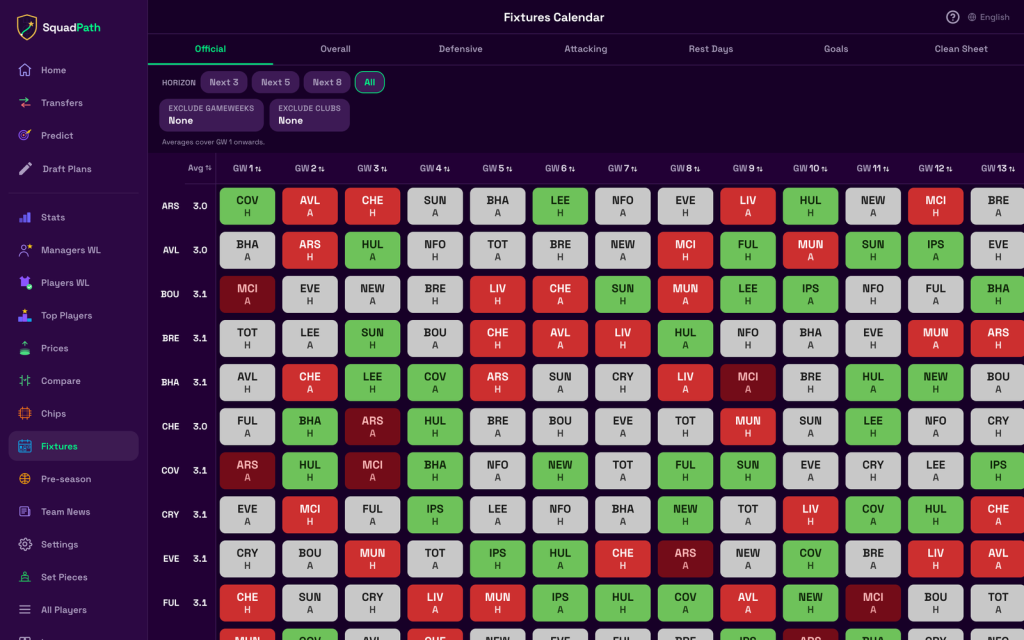
A fixture calendar you can sort
All 20 clubs, difficulty across the next 3, 5, 8 gameweeks or the whole run, plus rest days, goals and
clean-sheet form. Sort it by whichever question you’re asking: who has the easy attacking run,
who’s rotation-proof, which defence to buy for the next month.
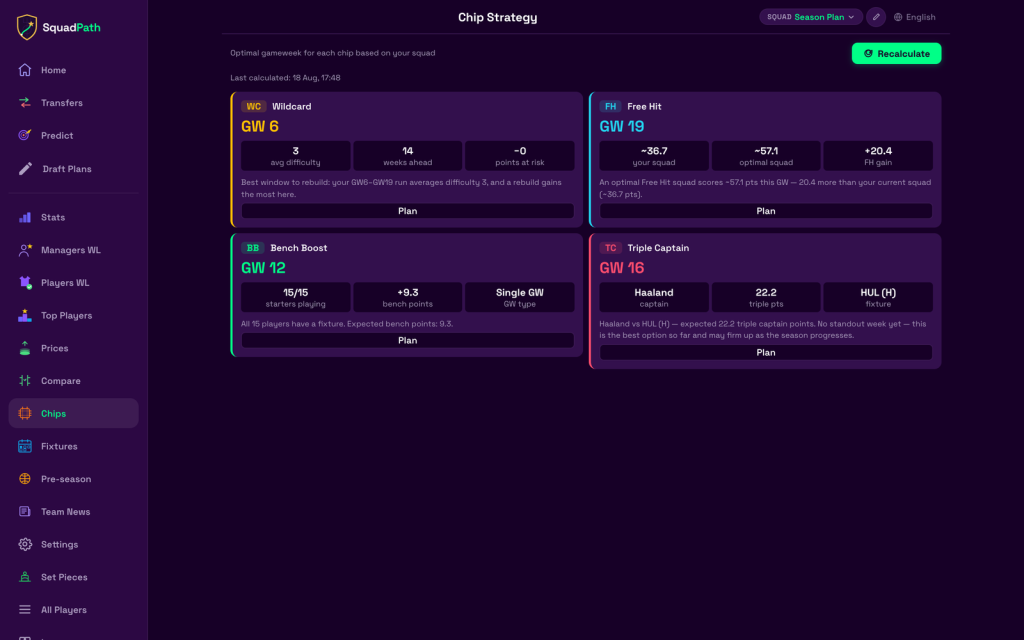
Chip strategy, with the maths shown
The best gameweek for your Wildcard, Free Hit, Bench Boost and Triple Captain — each costed
against your actual squad, not against a generic one.
So not “play your wildcard around GW8”, but: this window averages difficulty 3, the rebuild gains
the most here, this Free Hit XI scores around 20 points more than the squad you’d otherwise field,
all 15 of your players have a fixture in GW12.
The rest of the routine, in the same app
Price moves flagged on the players you own, so team value stops leaking a tenth at a time
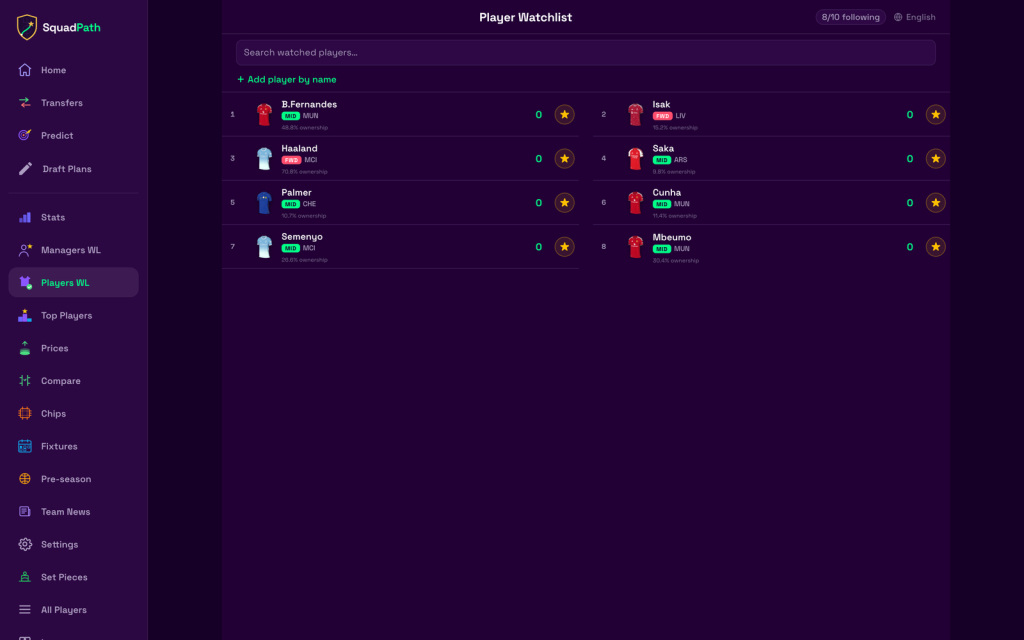
A player watchlist and a rivals watchlist — the differentials you’re tracking and the managers
you’re chasing, side by side
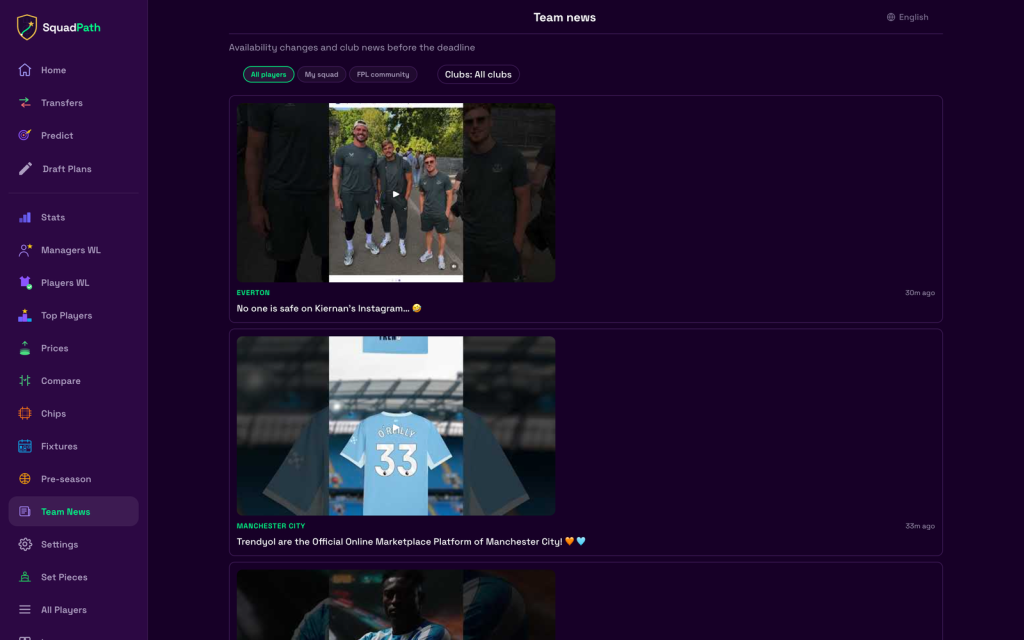
Club news and availability changes gathered before the deadline instead of scattered across
feeds
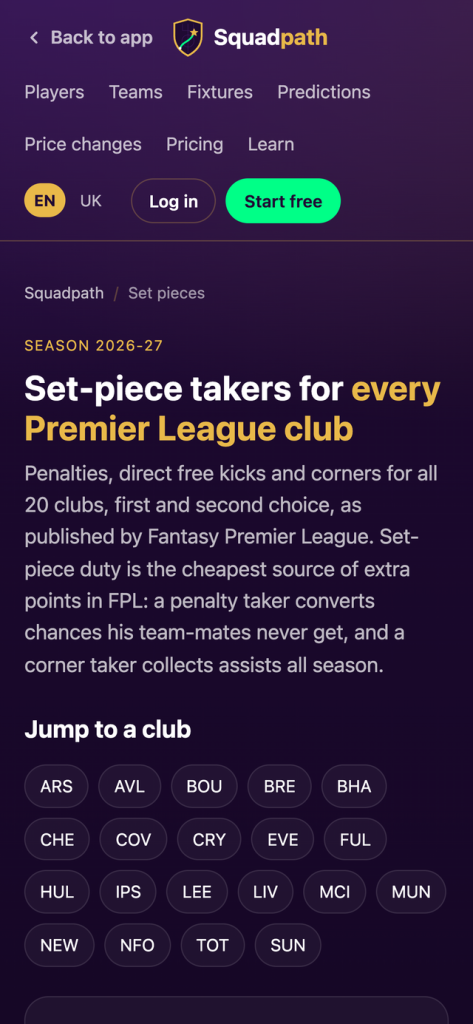
Set-piece takers for all 20 clubs: penalties, direct free kicks and corners, first and second choice
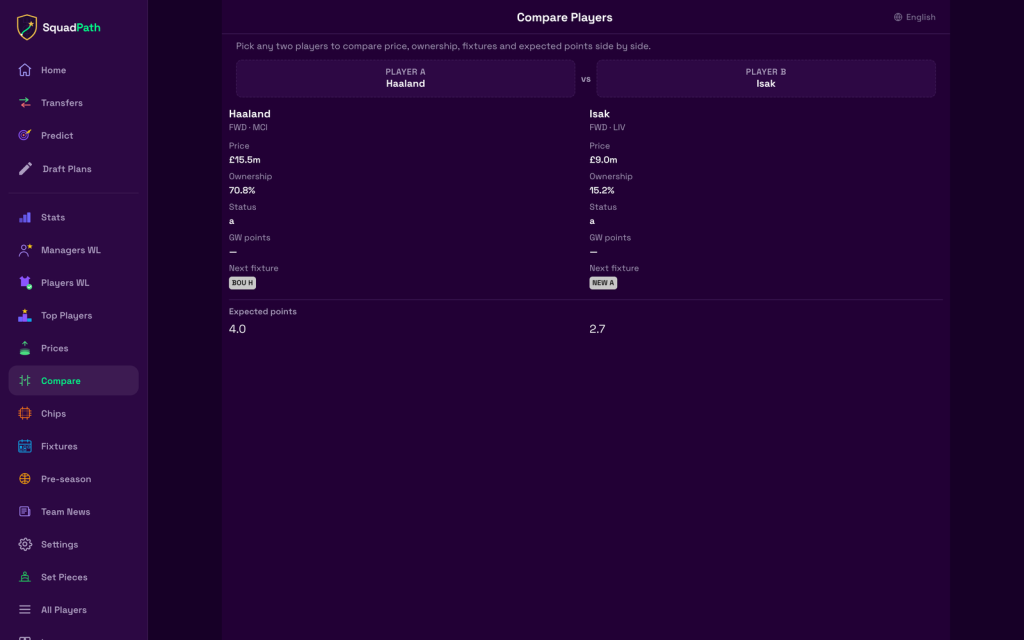
Head-to-head player comparison — price, ownership, fixtures and expected points
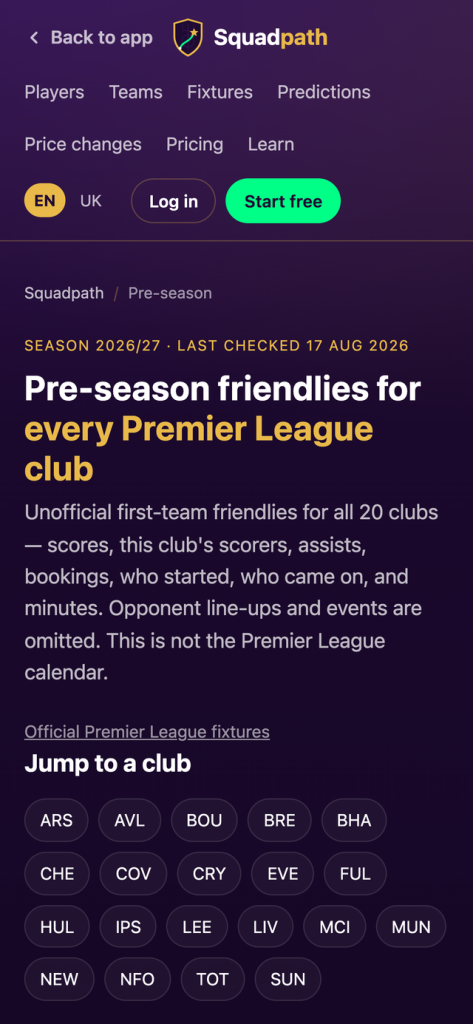
Pre-season friendlies for every club, so you don’t go into GW1 blind
After the gameweek: a review, and a hindsight XI showing what the optimal call would have been
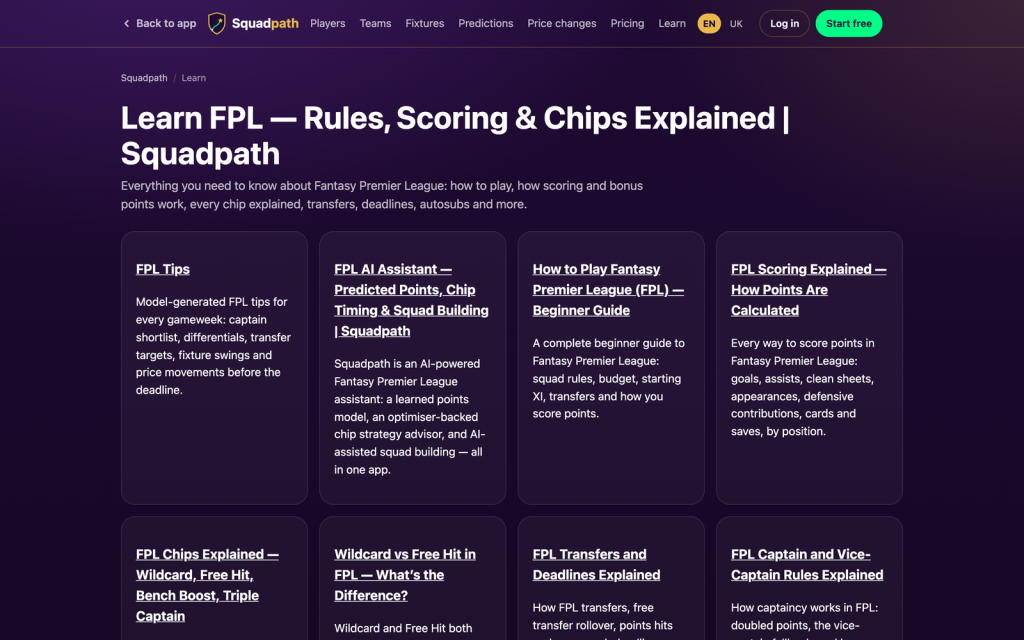
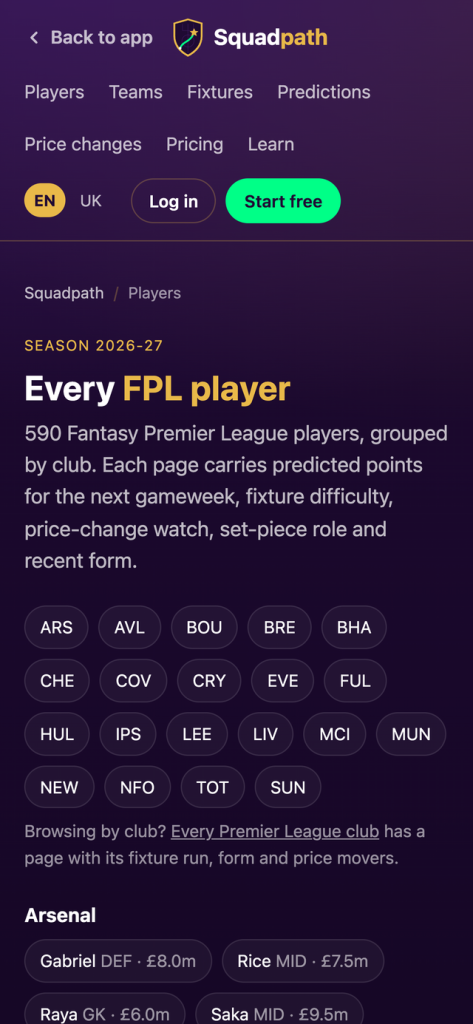
Public pages for all 590 players and all 20 clubs, plus a full FPL rules and scoring guide
What it deliberately doesn’t do
No live rank. No live mini-league ticker.
That’s a real decision, not a missing feature. Those things are for after the deadline, when there is
nothing left to decide. Every hour of work in this app went into the decisions you make before it.
Price
Free on a public team ID — that alone covers a lot of managers.
Premium is $15/month, or $99 for the whole season. That’s less than most of the alternatives charge
for a campaign, and cheaper than one badly-timed hit.
Verdict
If your deadline routine is one tool, you don’t need this. If it’s six tabs and a spreadsheet, this is that
routine collapsed into one phone screen, with the numbers attached to the decisions instead of
sitting in a different tab.
squadpath.live — free on a public FPL team ID.
Squadpath is independent and not affiliated with the Premier League or the official FPL game.
Below is the overview of featues on the website at a glance, enjoy the read!